
AI Artistic Signature Generator
Create Unique Digital Signatures Online
Type to create pro-level AI handwritten signatures and calligraphy—ideal for emails, documents, and branding.
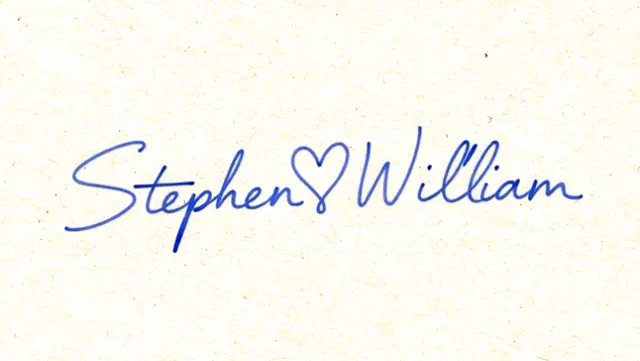
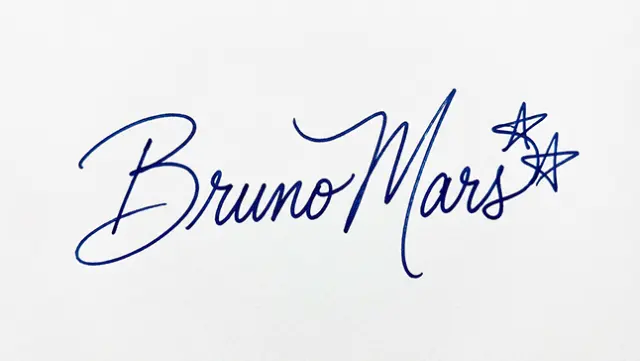
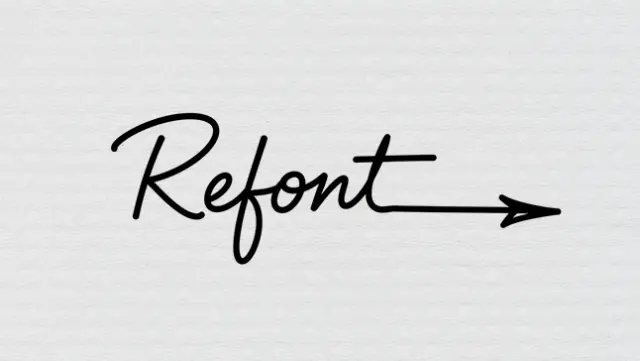
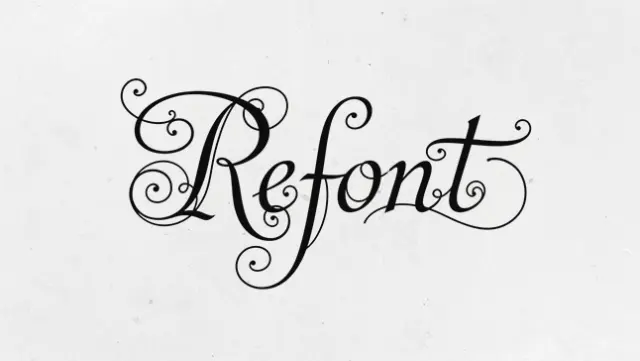
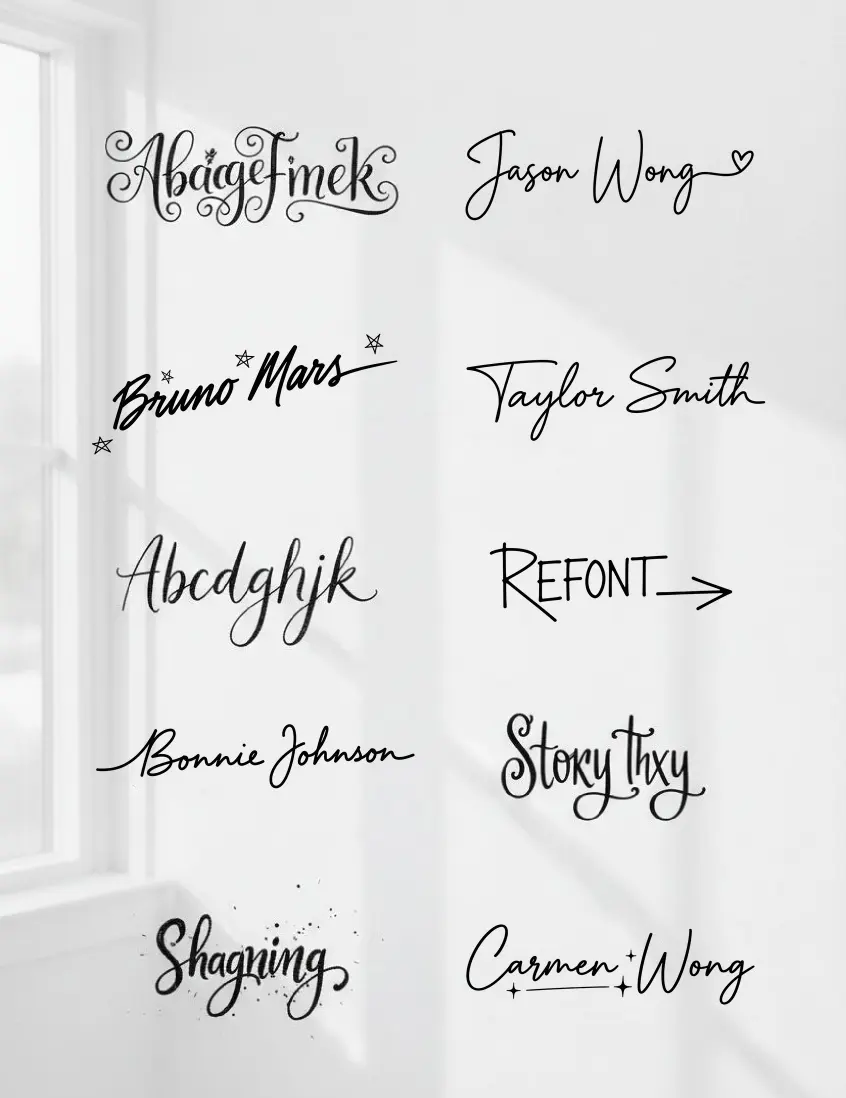
Pick a Signature Style ✨
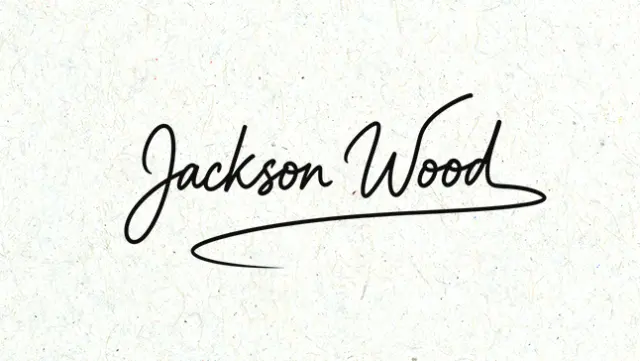
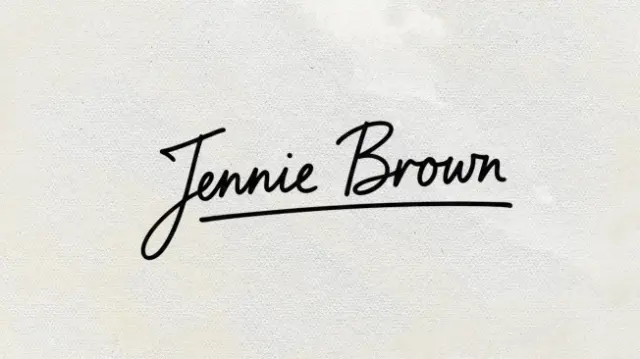
Features
What You Can Do with Our AI Artistic Signature Generator
Unlock the power of personalization with our AI Artistic Signature Generator.
Artistic signatures are widely used for digital documents, email signatures, personal branding, creative works, and professional business materials—combining authenticity, style, and individuality.
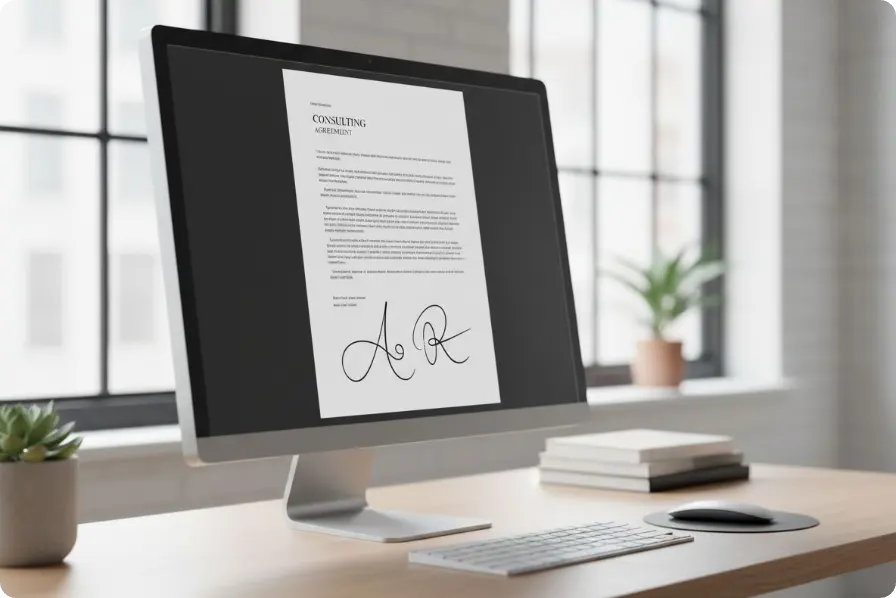
AI Signature for Document
Use our Artistic Signature Generator to sign PDFs, contracts, invoices, and digital forms online. Add a professional, personalized touch to every document in seconds.
Artistic Signature for Social Media & Brand Identity
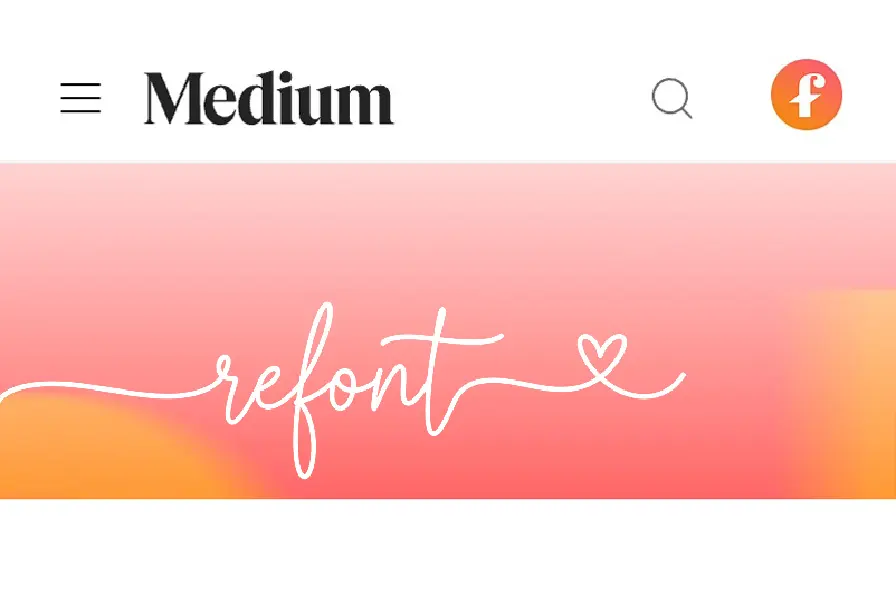
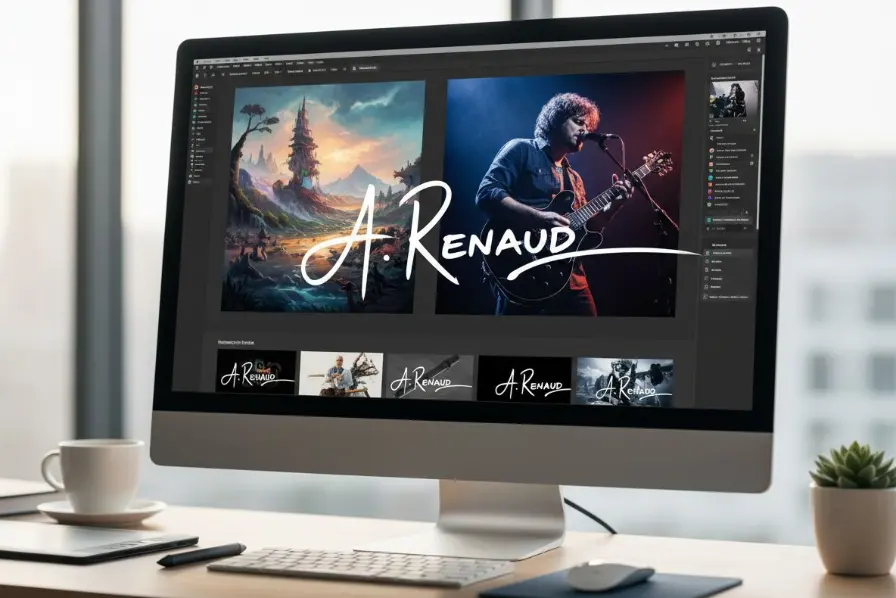
Create a unique visual identity with our free online signature generator. Use your signature as a profile image or cover on social media, like Instagram, X, and LinkedIn, design personalized business postcards, or brand identity.
Art Signature for Watermarks & Artwork Signing
Protect your work and showcase authorship with an AI signature created using our artistic signature generator. Add elegant watermark signatures to photos or sign illustrations and artworks with a distinctive, professional mark.
Artistic Signatures for Greeting Cards & Invitations
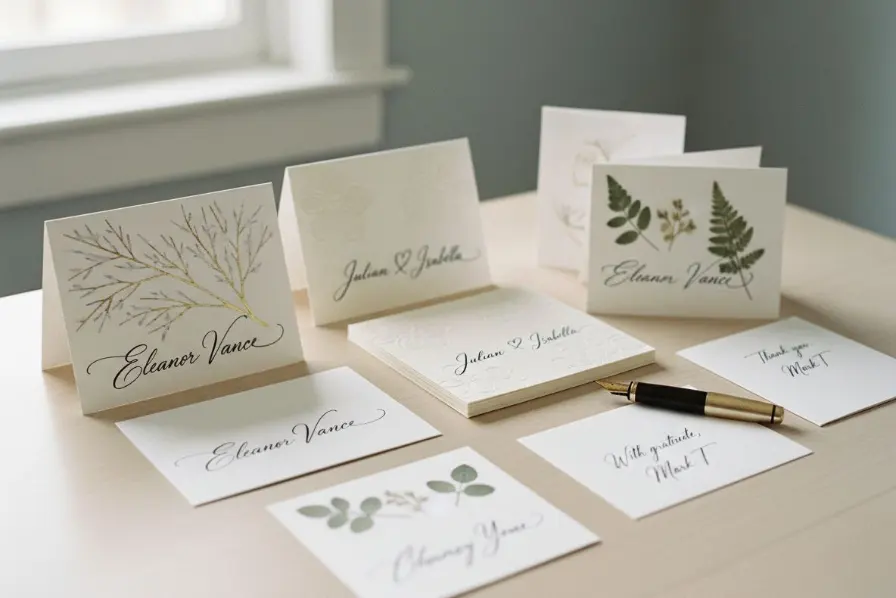
Add a warm, personal touch to greeting cards, wedding invitations, or thank-you notes using our online signature generator. Create elegant artistic signatures that convey the feeling of a handwritten note in every message.
How to Use
How to Generate Your AI Artistic Signature?
Create Your Artistic Signature in 3 Simple Steps
Type your Name
Enter your desired name or text to sign.
Choose a Style
Use the default flowing signature style or explore more aesthetic handwriting styles.
Generate & Download the result
Review the generated image and download the edited version instantly.
Who Can Benefit from AI Artistic Signatures?
Tailored for Every Creator and Professional
AI Artistic Signature Generator: Perfect for freelancers, professionals, artists, entrepreneurs, and students to elevate documents, artworks, branding, and personal projects with unique, professional signatures.

Freelancers & Professionals
Add AI-generated artistic signatures to contracts, invoices, proposals, and emails to make every document look polished and credible.

Artists & Designers
Sign your artworks, illustrations, and digital creations with distinctive artistic signatures that showcase your style and protect your work.

Entrepreneurs & Small Businesses
Create brand-consistent signatures for social media, packaging, digital stores, and marketing materials to strengthen your personal or business brand.

Students & Personal Projects
Generate stylish signatures for e-cards, invitations, graduation albums, or creative projects, adding a personal and professional touch in seconds.
Discover More
Try Our Other AI Font Tools
More AI Font Tools You’ll Love. Use our full suite of creative tools to express your ideas with text.
AI Calligraphy Logo Maker
Enter your brand name, and let our AI generate your perfect calligraphy logo.

AI Calligraphy Generator
Generate calligraphy fonts for names, short text, or stylized messages.
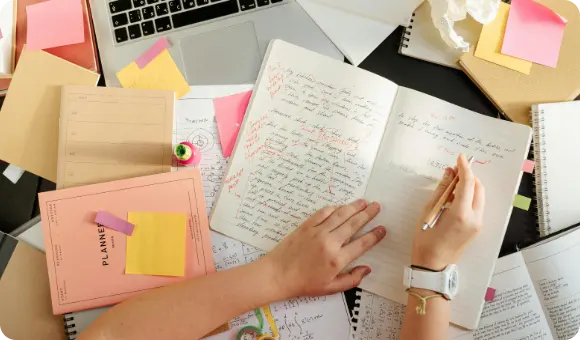
Handwriting Generator
Turn paragraphs into realistic handwriting with pen stroke simulation.
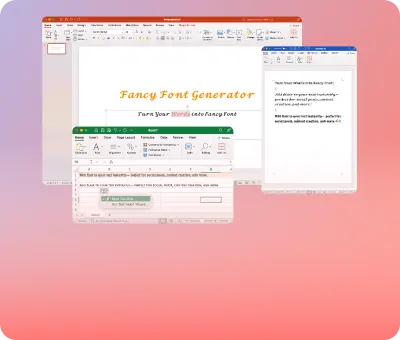
Fancy Fonts Generator
Add flair to your social content or branding with trendy aesthetic fonts.
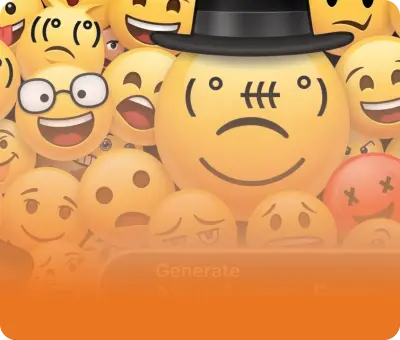
Lenny Face Generator
Experience the fastest and easiest way to customize and copy Lenny faces online—for free! Instantly enhance your messages, posts, and more.
AI Font Generator
Experience the future of typography with Refont. Instantly generate beautiful fonts, calligraphy, signatures, and personalized handwriting.
Your artistic signature, reimagined with AI.
Generate elegant artistic AI Signatures in seconds. Whether for documents, personal branding, or fun — give your name an art signature look today.
FAQs