Fix Messy Calligraphy Fonts: Why They Fail & How a Calligraphy Font Generator Helps
Contents
- Why Most Calligraphy Fonts Look Messy and Unprofessional
- Why You Need a Calligraphy Font Generator to Rescue Your Branding
- How an AI-Powered Calligraphy Font Generator Fixes Technical Flaws
- Creative Use Cases: From Personal Branding to Digital Products
- Choosing the Best Calligraphy Font Generator for Your Project
- Conclusion: Stop Settling for Messy Fonts
Calligraphy fonts are the "black tie" of the design world—elegant, expressive, and undeniably sophisticated. For a freelancer pitching a luxury brand or an e-commerce store owner designing "Thank You" cards, the right calligraphy font can be the difference between a premium feel and a budget look.
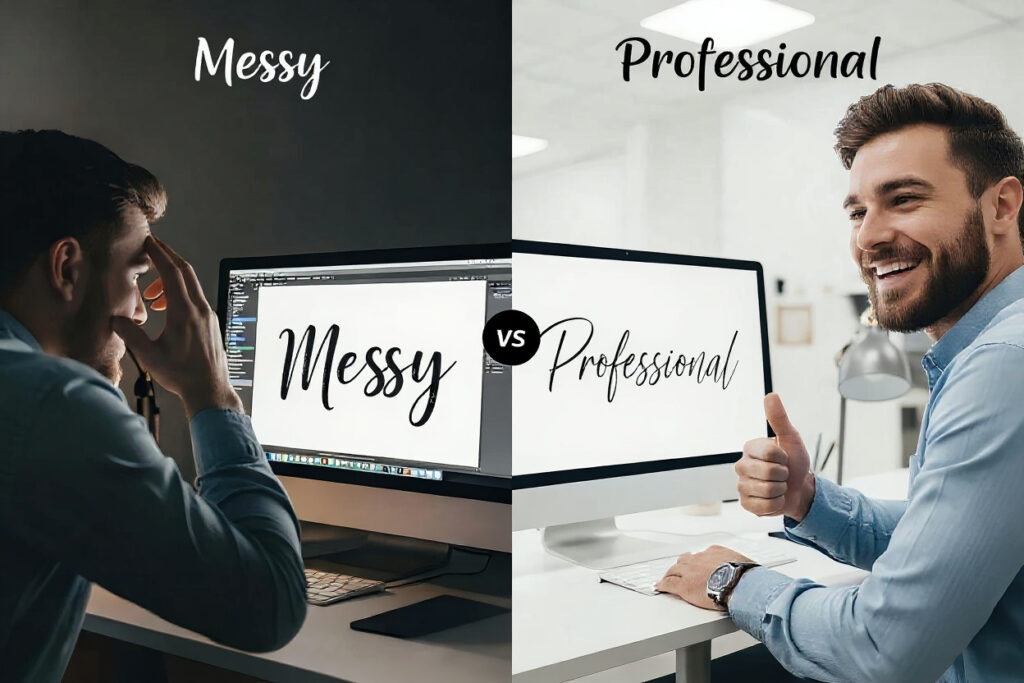
But let’s be honest: we’ve all been there. You find a "pretty" font, type your brand name, and it looks… off. The letters collide, the thickness is erratic, and suddenly your "elegant" logo looks like a messy ink spill. This isn’t just a stylistic choice; it’s a technical failure. In this guide, we’ll dive into why these digital scripts fall apart and how a high-quality calligraphy font generator can save your design sanity.
Why Most Calligraphy Fonts Look Messy and Unprofessional
If you’ve ever wondered why a calligraphy font looks great in a preview but terrible in your project, you’re dealing with the "Digital Disconnect." Most free font files are static, but calligraphy is dynamic by nature. When a font doesn’t account for the flow between letters, it becomes "messy."
The Nightmare of Inconsistent Stroke Width
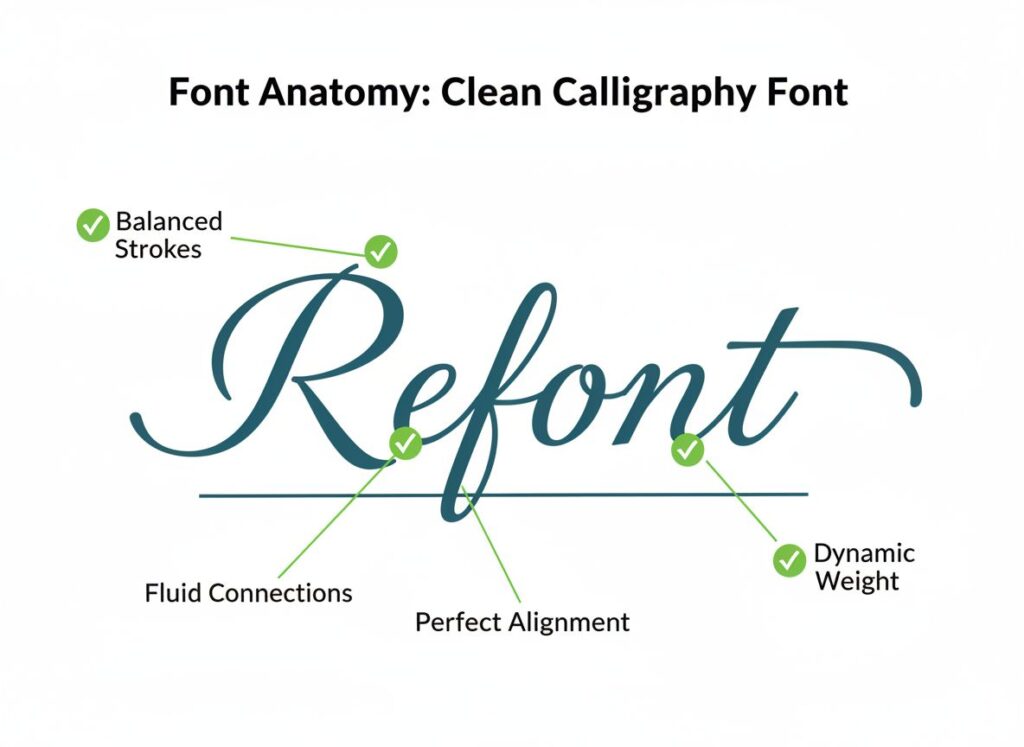
The #1 reason to fix messy calligraphy font issues is stroke inconsistency. In traditional calligraphy, the pressure of the pen dictates the line. Many low-end tools simply replicate shapes without understanding this logic. For a personal brand creator, an inconsistent stroke makes your Instagram graphics look shaky and amateur. If the "upstroke" is as thick as the "downstroke," the font loses its rhythmic "dance," resulting in a heavy, clunky visual that tires the eye. A professional calligraphy font generator solves this by applying AI-driven stroke weight balancing, ensuring that every curve feels intentional, not accidental.
The "Frankenstein" Letter Structure
Calligraphy is about skeletal harmony. Many calligraphy generator free tools offer fonts where the "x-height" (the height of lowercase letters) jumps around like a heart rate monitor. This lack of a baseline makes your text hard to read. Imagine an e-commerce store operator trying to display a product name; if the customer has to squint to distinguish an 'a' from an 'o', you’ve lost the sale. Professional design requires a calligraphy font generator that respects the geometry of the alphabet while maintaining that "hand-touched" soul.
Why You Need a Calligraphy Font Generator to Rescue Your Branding
Traditional font downloads are rigid. Once a font is programmed, it doesn't "know" which letter is coming next. This is why "Calligraphy" often turns into "Clutter." Here is why switching to a dedicated calligraphy font generator is a game-changer for small business owners and creators.
Fixing the "Kerning" Catastrophe
Kerning (the space between letters) is the Achilles' heel of the calligraphy font. In script styles, letters must connect seamlessly. Most static fonts leave awkward gaps or, worse, overlapping "stubs" that look like printing errors. When you use a calligraphy font generator, the tool calculates the optimal entry and exit points for every character pair. For a freelancer designing a wedding invitation or a logo, this "auto-fix" saves hours of manual dragging and dropping in Photoshop. It turns a "messy" script into a fluid, professional masterpiece.
Balancing Flow and Rhythm for E-commerce
E-commerce is visual storytelling. If your website banners use a calligraphy font that lacks rhythm, it creates "visual noise." A calligraphy font generator ensures that the "slope" (the angle of the letters) remains consistent throughout a sentence. This creates a soothing, reliable reading experience that builds trust with your customers. Using a calligraphy generator free option that includes AI optimization allows you to test these rhythms in real-time before you hit "export," ensuring your branding is as polished as your products.
How an AI-Powered Calligraphy Font Generator Fixes Technical Flaws
We are moving past the era of simple "font converters." Modern AI has changed how we fix messy calligraphy font issues. It’s no longer about just picking a style; it’s about generating a solution.
Beyond Templates: Understanding Stroke Logic
Unlike a basic calligraphy generator free tool that just swaps your text into a preset template, an AI-powered calligraphy font generator "reads" your text. It understands that a capital 'S' followed by a 'u' requires a different connection than an 'S' followed by an 'h'. This "contextual awareness" is what makes your text look like it was written by a human calligrapher rather than a 1990s computer program. For personal brands, this authenticity is your most valuable currency.
Achieving Visual Equilibrium Automatically
The secret to a high-end calligraphy font is balance. If one word has too many "descenders" (the tails on g, j, p, q, y), it can look bottom-heavy. A smart calligraphy font generator adjusts the visual weight of the entire string of text. This is crucial for small businesses designing packaging or labels. You don't need a degree in typography; you just need a tool that handles the "math" of beauty for you. By using Refont’s calligraphy generator free features, you get access to this professional-grade balancing without the steep learning curve of professional software.
Creative Use Cases: From Personal Branding to Digital Products
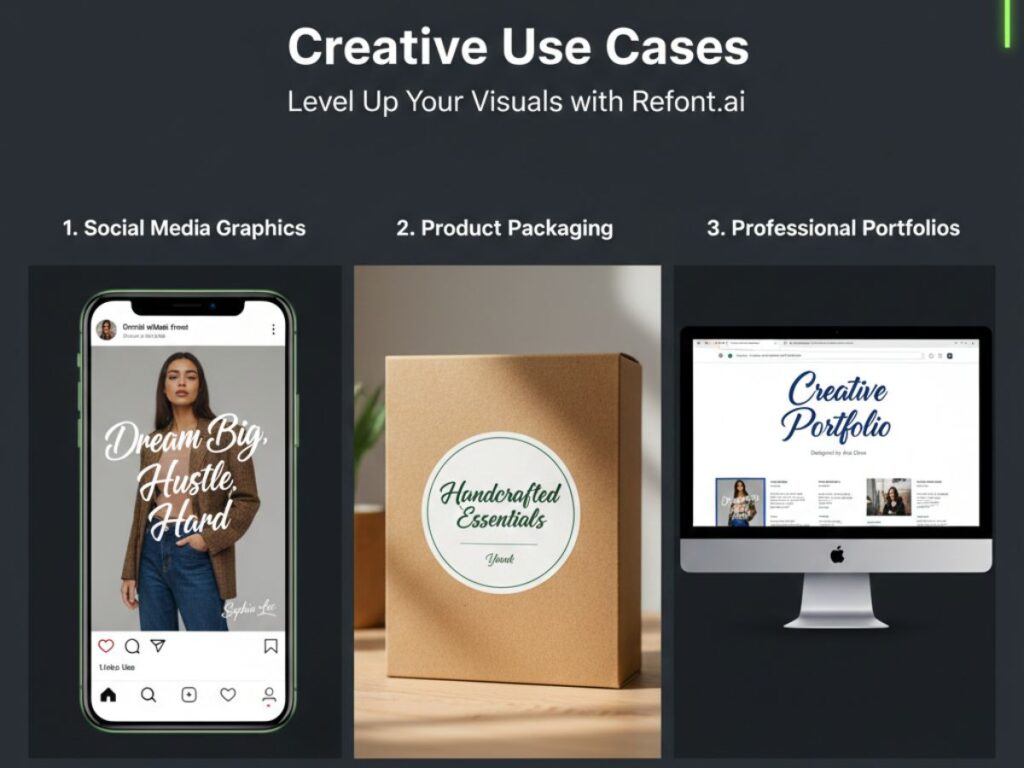
Where exactly should you use your newly optimized calligraphy font? The possibilities are endless, but for our target users, three areas stand out as high-ROI opportunities.
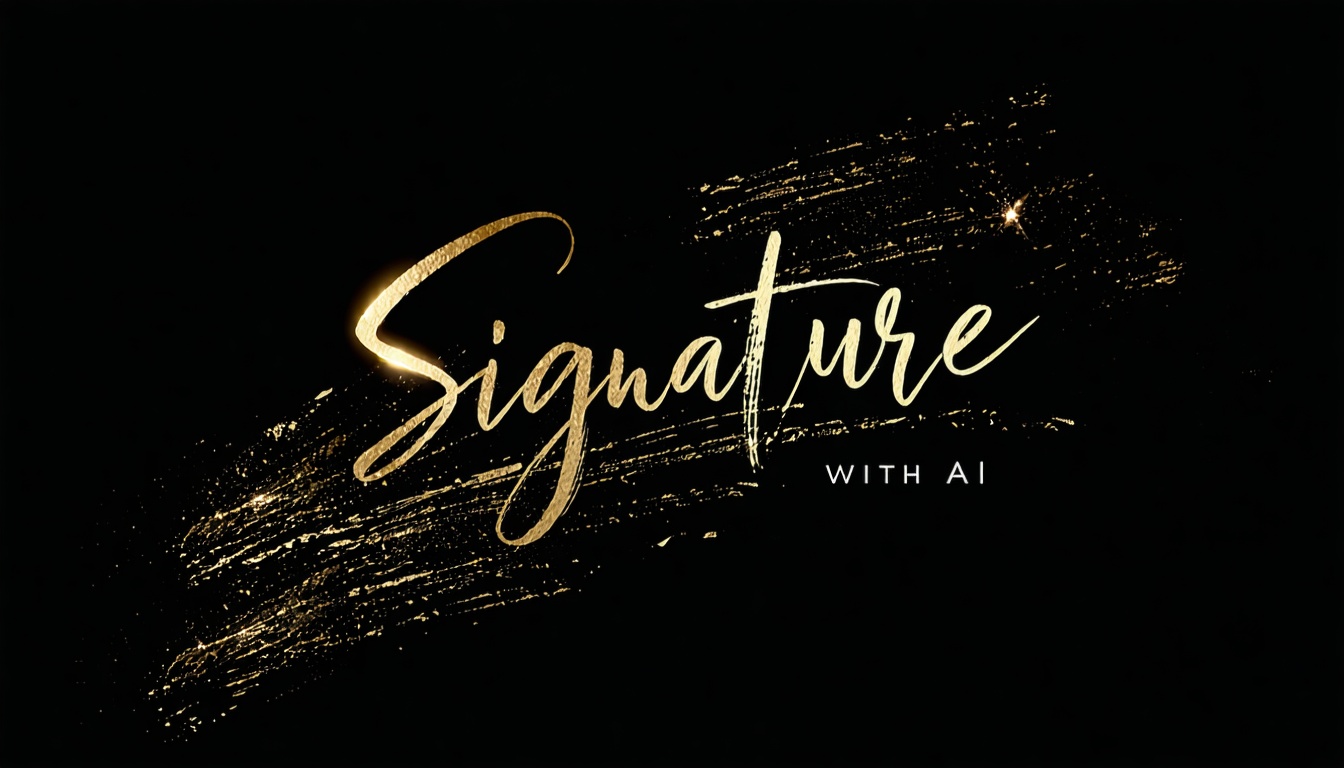
- Social Media Mastery for Creators: A unique calligraphy font generator output can give your Reels or Pinterest pins a distinct "voice." Use a calligraphy generator free tool to create signature-style watermarks for your photography or digital art. It adds a layer of protection and a whole lot of class.
- E-commerce & Small Business Packaging: If you are shipping physical goods, the unboxing experience matters. Use a calligraphy font generator to design custom "Thank You" notes or elegant shipping labels. It’s a small detail that makes a $20 product feel like a $100 luxury item.
- Freelance Portfolios and Signatures: Your personal brand is your resume. A messy, default script looks lazy. A crisp, generated calligraphy font used in your email signature or portfolio header signals that you care about quality. If you're on a budget, starting with a calligraphy generator free tool allows you to iterate until you find the perfect "vibe" that represents your work ethic.
Choosing the Best Calligraphy Font Generator for Your Project
Not all generators are created equal. When you’re looking to fix messy calligraphy font problems, you need a tool that balances flexibility with ease of use.
Look for High-Definition PNG Export Options
A great calligraphy font generator shouldn't just give you a grainy or pixelated image. For professional branding, you need high-definition image outputs that maintain their visual integrity. This is why Refont is a leader in the space; we ensure that your calligraphy font stays sharp and visually striking, whether it's printed on a business card or displayed on a website banner. By providing these high-quality PNG images, our tool helps you fix messy calligraphy font issues like jagged edges, ensuring your text looks polished and professional every time.
Variety Without Complexity
The best calligraphy generator free tools offer a curated selection of styles—from "Modern Wedding" to "Vintage Gothic"—without overwhelming the user. You want a calligraphy font generator that feels like a creative partner, guiding you toward the best aesthetic choices while fixing technical errors in the background.
Conclusion: Stop Settling for Messy Fonts
In a digital world, your choice of typography is your digital "first impression." Messy calligraphy tells your audience that you’re okay with "good enough." But with a professional calligraphy font generator, "good enough" becomes "extraordinary."
By understanding the mechanics of stroke width, letter structure, and spacing, you can fix messy calligraphy font issues before they ever reach your customers' eyes. Whether you are a creator, a freelancer, or an e-commerce giant, the right tool makes the art of calligraphy accessible, readable, and—most importantly—beautiful.
Ready to transform your text? Don't let bad kerning ruin your brand. Try Refont’s calligraphy font generator free today and experience the perfect blend of AI precision and artistic soul!