For a designer, your visual identity is like your main calling card. Think of every single time you interact with a client, from when you first suggest an idea right up until you finish the project. Each one of those moments is a chance to show off your creative flair.
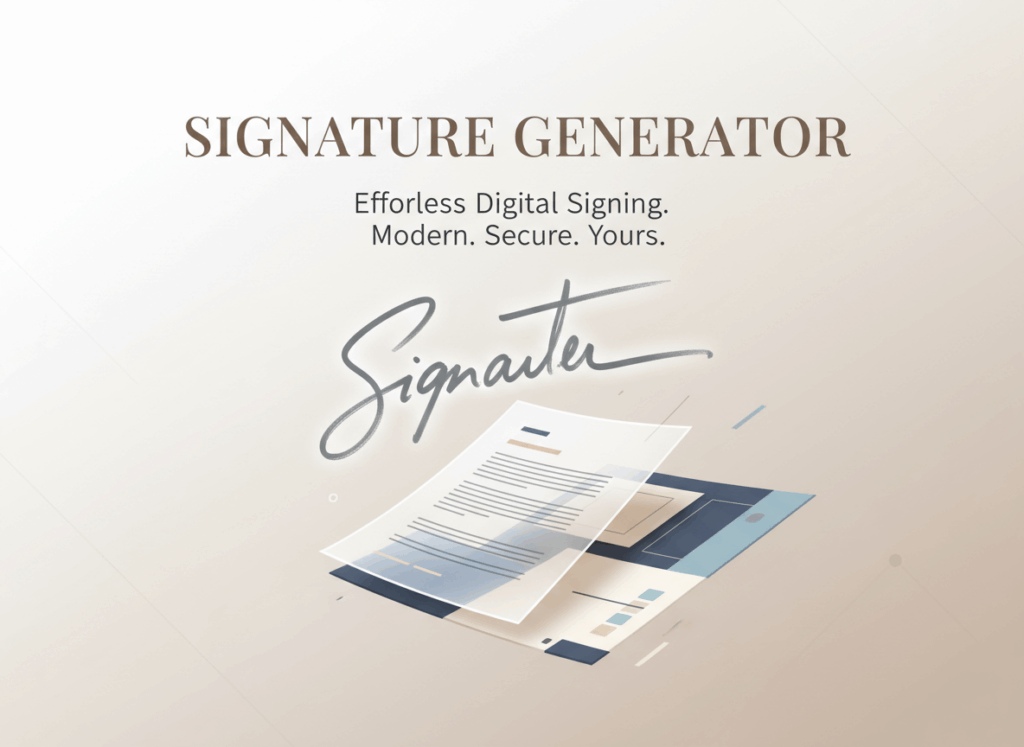
When everything online feels so samey and impersonal, a plain old font simply doesn't cut it. That's where a well-made Signature Maker really helps out.
It's not enough for something to just be readable anymore; it really needs to make an impact.
Elevate Your Creative Identity with an Artistic Signature Maker
A professional mark really is that final, perfect touch for creators. You can think of your digital signature kind of like the old-school wax seal. Being able to use a good Signature Maker really lets you move past just using boring old system fonts. Okay, so a simple signature maker gives you the technical stuff for signing things digitally. But if you use an artistic one, you can really show off your personality in all your emails and documents.
The Power of Symbols: Why Designers Love a Signature Maker with Hearts and Stars
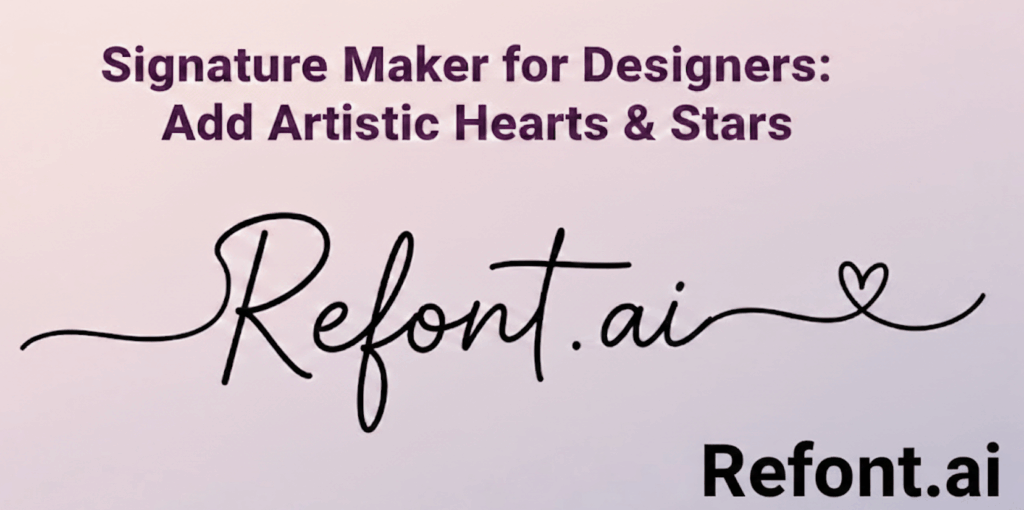
Hearts and stars—they're not just cute emojis. For designers, these symbols are like secret weapons. A signature maker that includes them becomes a really playful and powerful tool. It's all about giving that personal touch, something extra for the graphic.
Design really speaks to you without saying a word. When you choose a Signature Maker that lets you add fun decorative touches like hearts or stars, you're not just doodling on your name. You're actually showing a bit about what your brand stands for.
- The Star Symbol: When you see a star in design, it often means getting inspired, showing off something really excellent, or having a brilliant idea. Adding a little star to your flourish with a Signature Maker lets clients know your work is truly excellent.
- The Heart Symbol: The heart symbol really gets across warmth, passion, and that we care about people in our design. It makes your company feel real, almost like something made by hand, which is a nice touch in the digital world.
When you pick a Signature Maker that lets you include these symbols, your signature becomes more than just your name—it's like a tiny piece of art.
Step-by-Step Tutorial: Creating Your Unique Brand Using Our Signature Maker
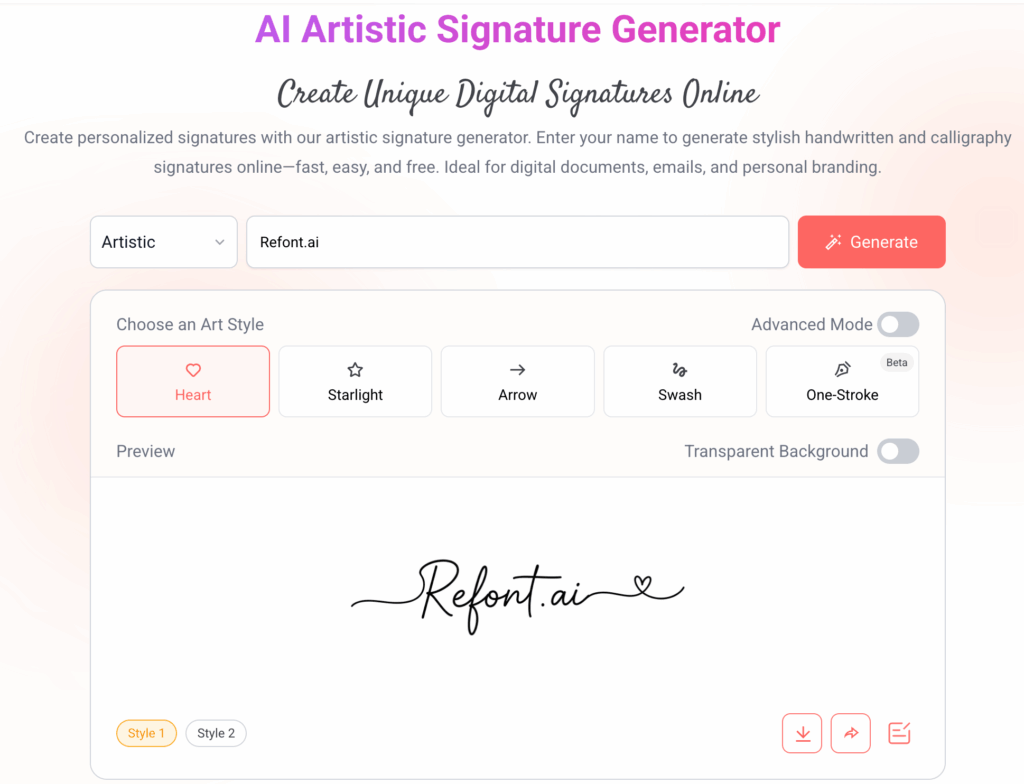
Crafting a personalized digital signature on Refont is an intuitive process designed for creative professionals. Follow these steps to transform your name into a work of art using our Signature generator:
- Select Your Artistic Category: Before diving into the design, use the dropdown menu to select the "Artistic" font category to ensure your base text has that elegant, handwritten feel.
- Enter Your Name and Generate: Type your name into the input field—for example, "city hunter"—and click the "Generate" button to see your text transformed by AI.
- Choose Your Art Style (Hearts & Stars): This is where the magic happens. Under the "Choose an Art Style" section, select from decorative elements like Heart, Starlight (Stars), or Swash to instantly add flair to your signature.
- Preview and Download: Explore different style variations (like Style 1 or Style 2) in the preview window. Once you are satisfied with your custom Artistic Signature, simply click the download icon to save your high-quality file.
Artistic Signature Maker vs. Basic Tools: Why Upgrade?
Okay, so when it comes to signatures, going beyond just plain text is where designers really shine. That's why they often pick one of those artistic signature creators instead of just using basic tools. They love an artistic signature.
The Problem with Plain Text
Most simple tools just see your name as information. But an Artistic Signature Maker? It looks at it like a drawing you can change and play with.
Regular tools often miss the subtle kerning and baseline changes that make a signature truly authentic.
Designers really like using a dedicated Signature Maker. It gives them the exact precision they need for those fancy, high-end brands. This lets you go past the usual look and make something that seems like a person wrote it, not a machine.
The Technical Difference
A Font Generator is good for headlines, sure, but our Signature Maker is really built for how a personal signature flows and connects, which is pretty unique.
This tool is a bit different from your usual font generator. You know, the kind that just whips up some cool text with a fancy font? Well, this one goes a step beyond. It's not just about creating a stylish look for your content; it actually helps with how your stuff shows up in search results. It works by making sure the text looks good to people and also gives it a better chance of being seen by those search engine bots.
While a standard generator is all about making things look pretty, this tool is also thinking about visibility and reaching more eyes.
Creative Ways to Use Your New Signature
So, you've made your awesome signature with the Signature Maker. Now, where do you put it? If you want your brand to really stand out, think about putting it in these key spots:
-
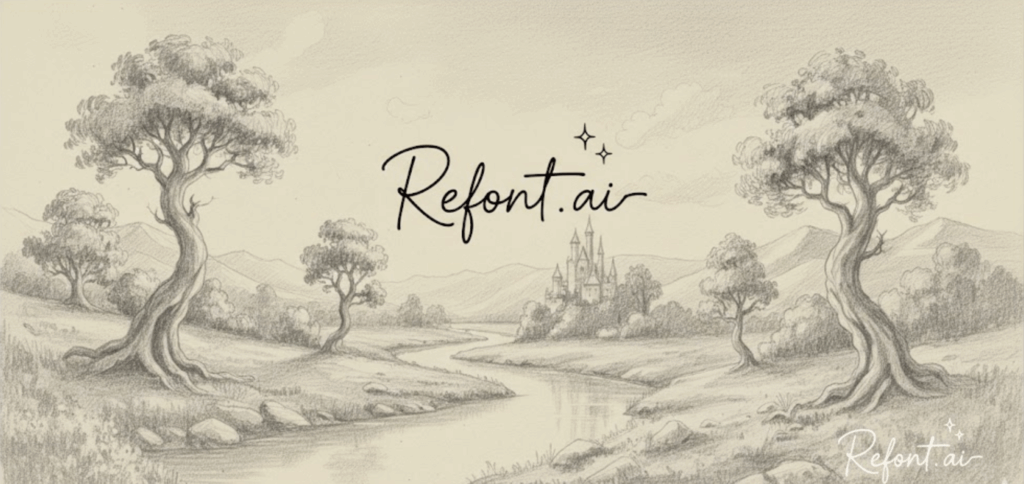
Portfolio Watermarks
When you put your designs on places like Behance or Dribbble, try using a soft, light version of your Signature Maker signature as a watermark. It's a nice, subtle way to brand your work. -
Email Footers
When you're putting together your email footer, try mixing your fancy, artistic signature with some simple, clear contact info that's easy to read. It makes for a really nice, professional look. -
Social Media Bios
Putting a heart or a star in your social media bio is a neat visual hook, especially for Instagram or TikTok.
FAQs: Getting Your Professional Signature Look Just Right
Q: Will adding symbols like hearts or stars make my signature look unprofessional?
You know, it's a good question. Adding symbols like hearts or stars to your signature could totally change how people see it, right? It could make it seem less formal, which might not be what you want for work stuff. But, if you're signing something for a friend or family, a little star or a heart could be super cute and show off your personality.
Well, not if you plan it out carefully.
In creative fields, a Signature Maker that really captures your vibe often shows you're confident and have a strong, unique brand. It really just depends on who's gonna see it and what kind of vibe you want to give off.
Q: Can I change the colors of the symbols?
Yep, you can totally change the color of the symbols in the Signature Maker. You bet! We think it's a good idea to match the symbol's color to your main brand colors. It just helps everything look more consistent.
Ready to Create with Signature Maker?
So, what are you waiting for? You can begin sketching out your killer designs using the ultimate signature maker today.
Your signature is basically the last thing you say about your work, so try to make it count in Refont.ai.
With a good Signature Maker, you bring together what businesses need and what creative minds want to show. It doesn't matter if you go for a simple star or a strong heart; let your design really show the kind of designer you are.
Ready to make something cool? Go ahead, give our Signature Generator a shot and you'll really notice how much a little artistic touch changes things!